Loading
Synaptix
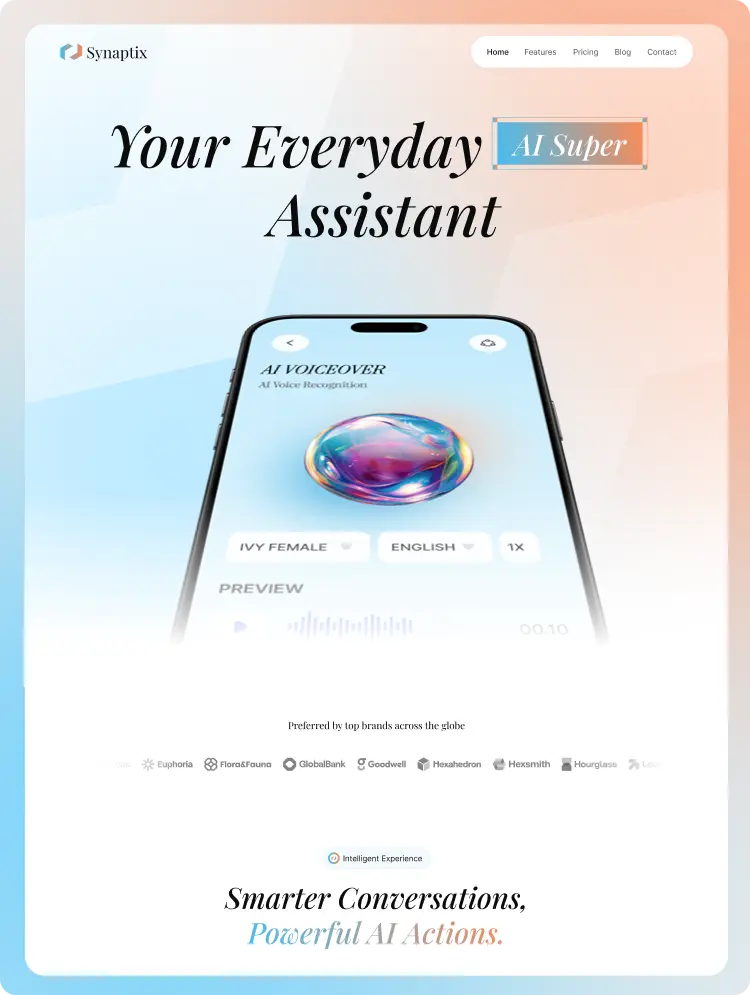
AI Mobile App website template · by wondrstack
 1 / 2
- 12 pages
- CMS included
- AI Mobile App
- 3 editions
- Updated Aug 12, 2026
AI Mobile App website template · by wondrstack
1 / 2A playful, modern template for AI mobile apps — assistants, chatbots, AI writing and voice tools — with app screens front and centre.
Synaptix sells an app the way people discover one: by seeing it. Phone mockups, feature walkthroughs and download CTAs do the work.
AI assistants, productivity apps, chatbots, AI writing and voice tools.
Yes. Claim it with one click — no card. Buy another edition when you want to build the site.
It is the same Synaptix design, made ready for one tool. Webflow and Framer editions open straight in those apps, Figma is the design file, AI builders lets Lovable, v0, Bolt, Base44 or Replit rebuild it for you, and the code editions (HTML, Next.js, Astro) are complete projects you download. Synaptix comes in: Webflow, Figma, AI builders.
Pick the tool you will build in. Already use Webflow or Framer? Get that edition. Want to build with AI and never touch code? Get AI builders. Want files you can host anywhere? Get HTML (simplest), Next.js or Astro. Designing first? Get Figma. Not sure? Start with one — you can add other editions any time, and you never pay twice for the same one.
Yes. Each edition is a separate one-time purchase, so start with the one you need. Editions you already own are never charged again.
No. You pay once per edition and it is yours for life, with free updates. Nothing renews.
Yes — for your own websites and for websites you build for clients. What you can’t do is resell, share or give away the template files themselves.
A step-by-step build kit for Synaptix. Your AI builder follows it page by page — styles, header and footer first, then the CMS, then each page — so it rebuilds the site the way it looks in the live preview, without you writing code.
No. One AI builders purchase works in all of them: Lovable, v0, Bolt, Base44, Replit, Claude, Cursor, Windsurf. Use it in one today and another tomorrow.
No. You connect once, pick the pages you want, paste one message into your AI builder and reply “continue” after each step. That’s it.
MCP is a secure connection that lets your AI builder fetch the build steps from Wondrstack by itself. It’s optional: you can also download the kit and give the files to your AI builder.
Go to My templates and click “Use with MCP” on the AI builders edition. A three-step guide shows the address and key to paste into your builder’s MCP or Integrations settings, the message to send, and what happens next. It takes about two minutes, once.
Yes. Choose the pages you want — a list page and its detail page are built together so links work. You can add more pages later in the same project.
The kit tells your AI to match the live preview section by section. AI builders can differ slightly in small details; if something is off, ask your AI to compare it with the live preview and fix it.
The AI builders edition is made for Lovable, v0, Bolt, Base44 and Replit. If you work in a code editor, the HTML, Next.js or Astro editions give you the finished code directly.
After buying, click “Open” on the edition. Webflow clones the site into your workspace; Framer remixes the project into yours. You need a free account there; publishing on your own domain uses that tool’s hosting plan.
It depends on the template — a Figma link you duplicate into your drafts, a .fig file you download and import, or both. The Figma edition shows exactly what you get.
In My templates (Templates → My templates in the sidebar). Every template you own is there with each edition, its link or download, updates and receipts.
Yes, any time, for life. Download links expire after a few minutes for security — just click again for a fresh one.
When we improve Synaptix, you see “Update ready” in My templates and get an email. The new version is free.
Nothing you bought changes — purchases are yours for life. Templates included in a plan are open while you’re subscribed; buy an edition to keep it forever.
In a secure checkout by our payment partner (Lemon Squeezy or Stripe). Your card details never reach Wondrstack. Sales tax or VAT is added where your country requires it.
Under Settings → Purchases, or “Invoices” on any template you own. The payment provider also emails you a receipt.
No — template sales are final, because files can’t be given back once they’re downloaded. Check every page in the live preview before you buy. If something doesn’t work as described, contact us and we’ll fix it.
It usually appears within seconds — the page shows “Confirming your payment” meanwhile. If it hasn’t arrived after a few minutes, contact support with your order number from the receipt email.
Still unsure? Ask us — a real person answers within a day.
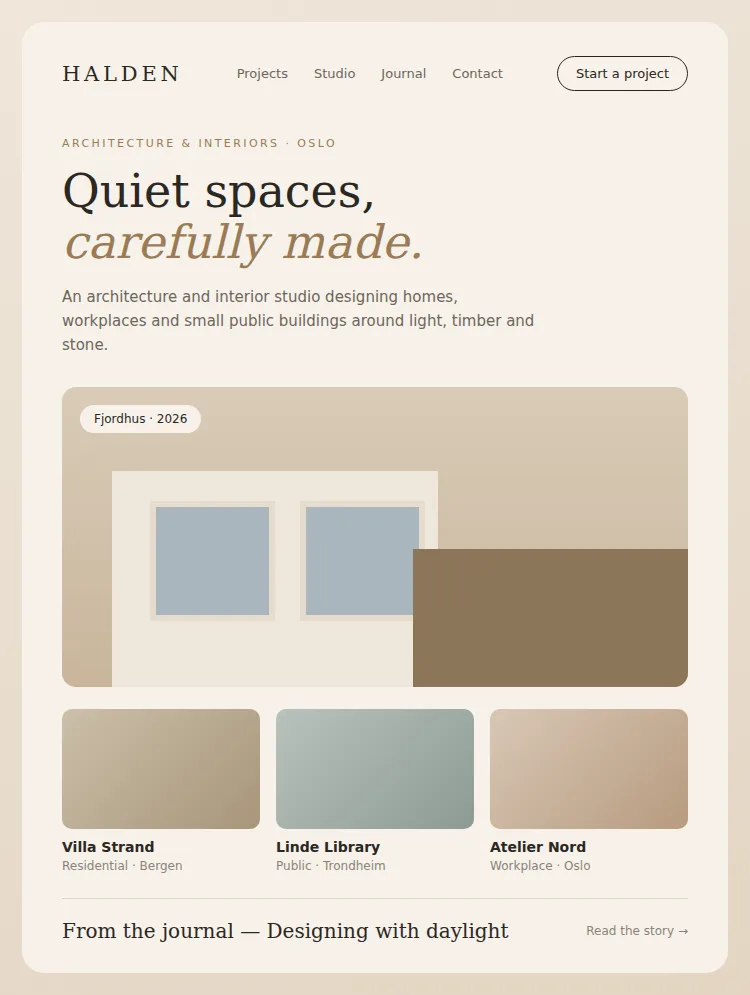
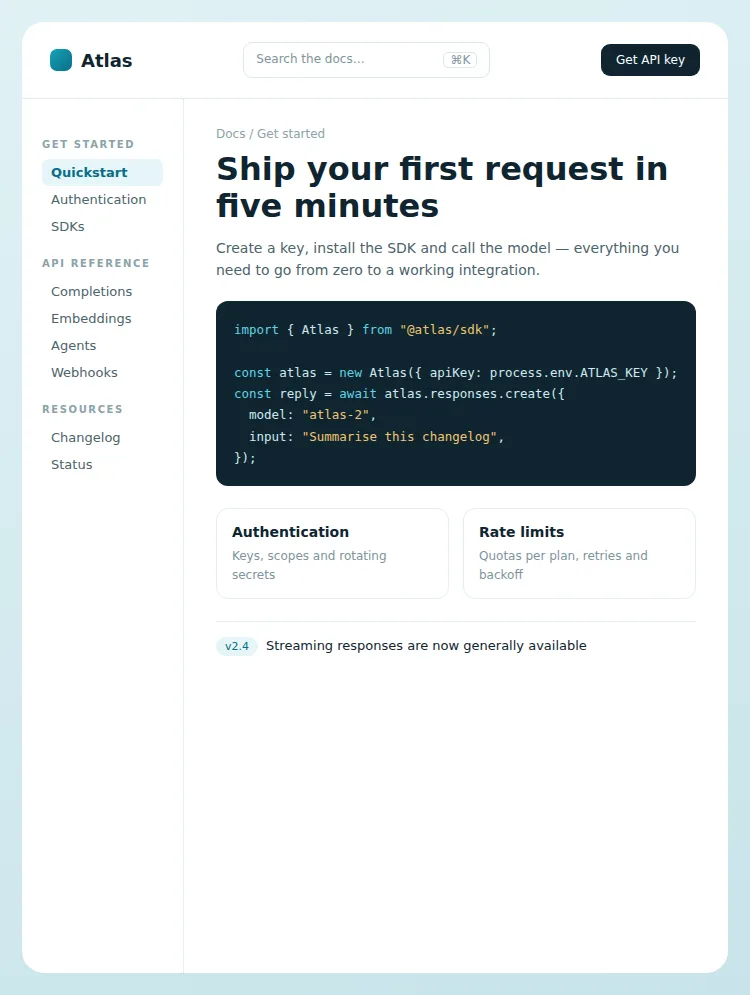
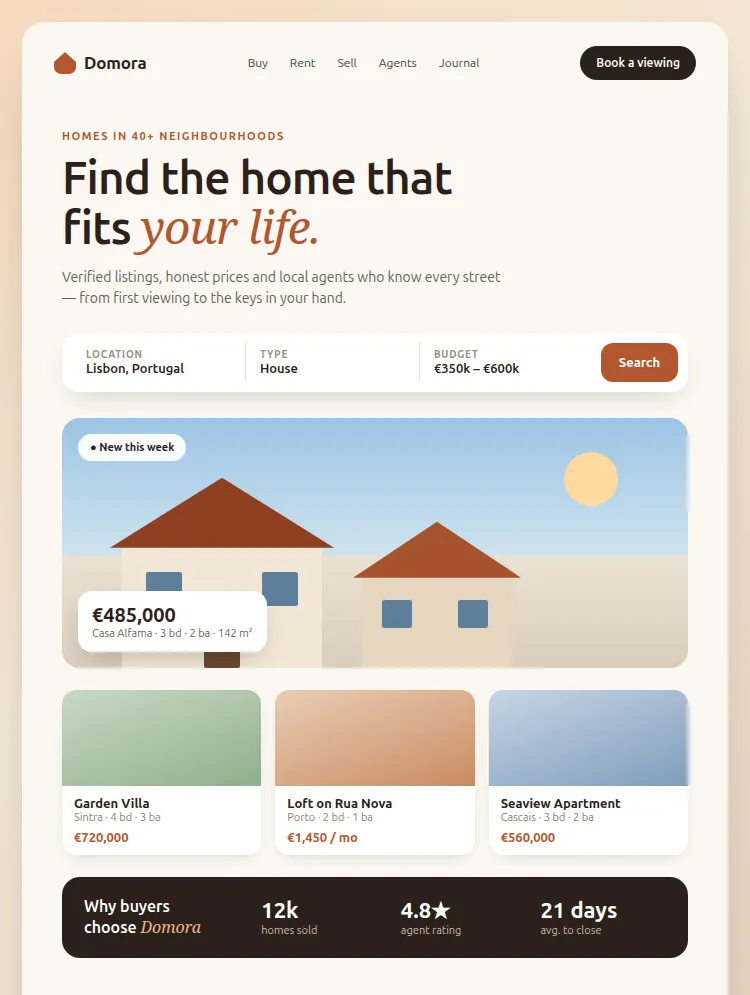
12 pages, Figma source, CMS wired, updates forever — for the price of an afternoon.